 Binbert Technology | Computer | Security | Networking | Mobile
Now you can test android without an android supported phone, this will help you to review android OS.
Android is a Linux based Operating system for Mobile and tablet devices like netbooks.
Here I used Oracle VirtualBox (Virtualization platform ) to install Android. You can install to hard disk directly. X86 Based OS image is available for download.
Here I virtualized with Oracle Virtual Box , You can download the X86 version of Android from http://www.android-x86.org
Or Download From here
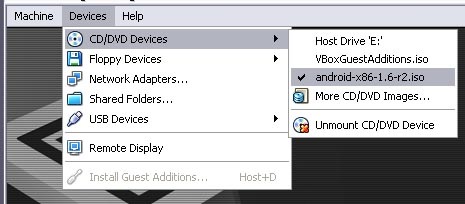
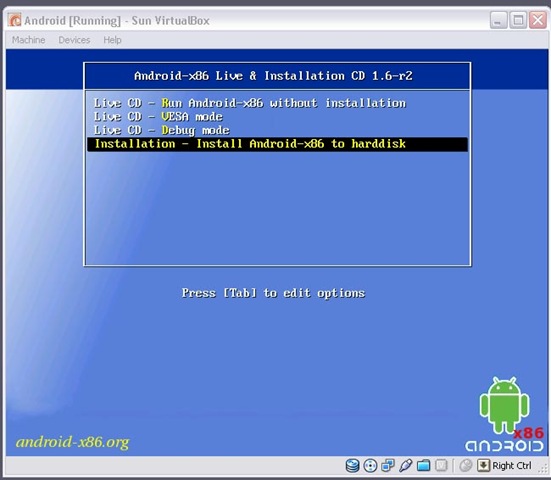
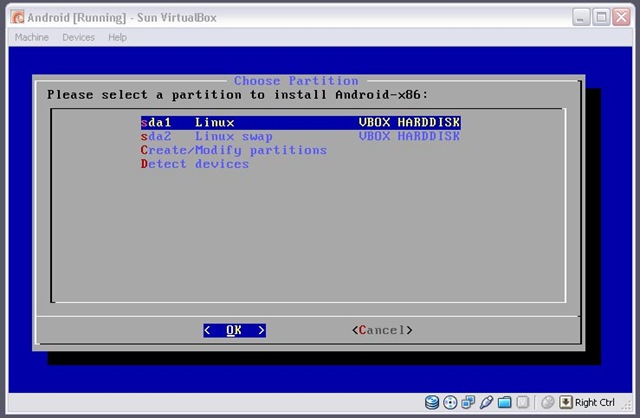
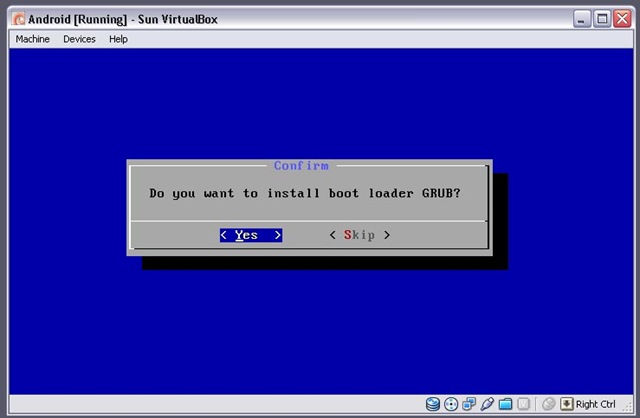
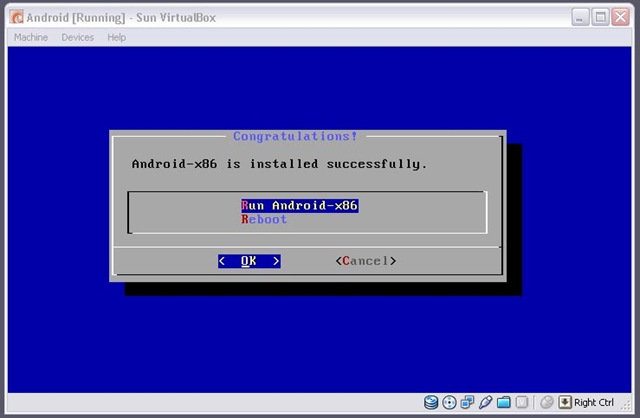
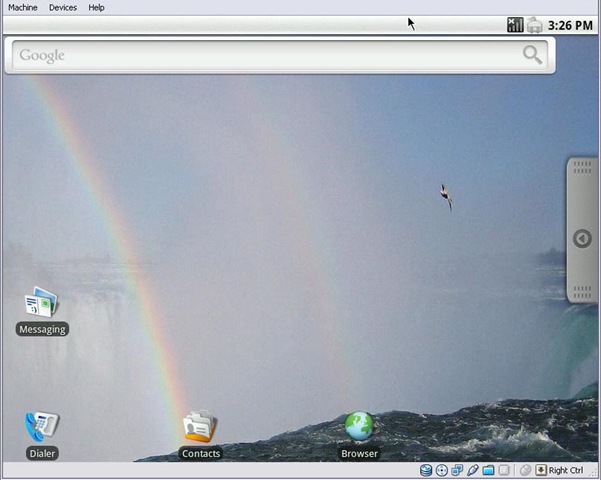
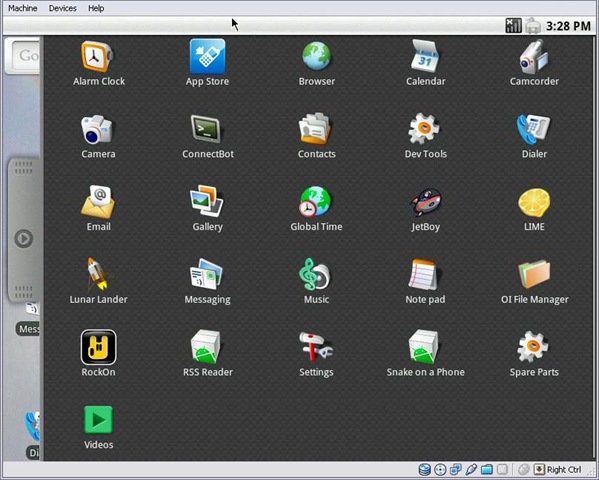
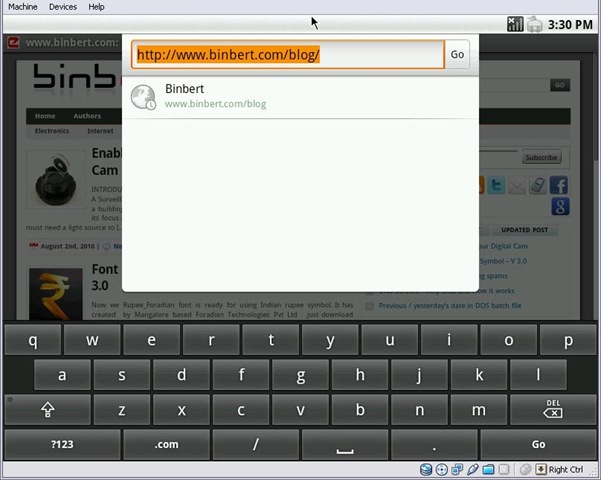
screenshots of Android Desktop installation


how did you manage to make the network i/f work?
@Jayadev
Virtual servers Networks work in different mods like NAT, Bridge, local Etc..
Here i used NAT so no need to configure the network, it will NAT with the Host Computers IP address.
Keyboard is on-screen as shown in the screen shot physical one is also work or not
And wifi or LAN cable will work automatically?
What about installing third-party applications?
—-
One more doubt, any way to enable Malayalam unicode reading and writing on Mac
RIght now I am able to read without chill aksharangal – but how to write? means without depending any thirdparty application or web?
@ sijo,
Physical keyboard is working fine. And LAN is working fine for me, But I didn’t test Wireless connection.
About Malayalam integration. I have to check it, Applications we can download from app-store. Its working fine.
so this is a UI? like a theme? can i go back to windows?
Yes this is just a UI. you can go back to old theme
Tried BlueStacks????
Its a Android Emulator for PCs.. Do a write up on it if possible.. Do check it out.. its free..
@: bluestacks.com